The EBW-DeviceContent plugin detects whether the Joomla website is running on a mobile or desktop system. For mobile devices, it distinguishes between smartphones and tablets. The plugin allows you to configure content output for different devices using the following parameters:
Display parameters
{mobile}Show only if mobile device{/mobile}{!mobile}Show only if NOT a mobile device{/mobile}
Tablet display
{tablet}Only show if tablet{/tablet}{!tablet}Only show if NOT tablet{/tablet}
Desktop display
{desktop}Only show if desktop{/desktop}{!desktop}Only show if NOT desktop{/desktop}
Short form
{mobile}...{/mobile}{!mobile}...{/mobile}{tablet}...{/tablet}{!tablet}...{/tablet}{desktop}...{/desktop}{!desktop}...{/desktop}
Important when using it as a standalone Joomla module
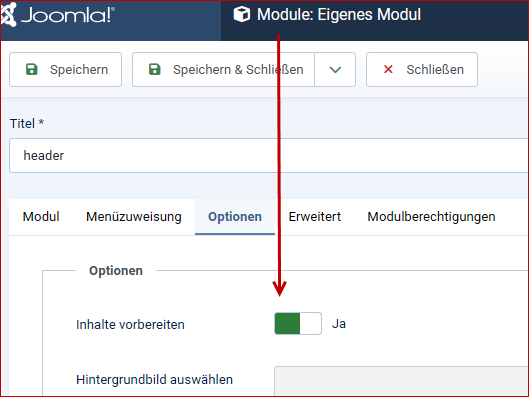
For custom modules, the Prepare content function must be enabled.
Example of use in the header
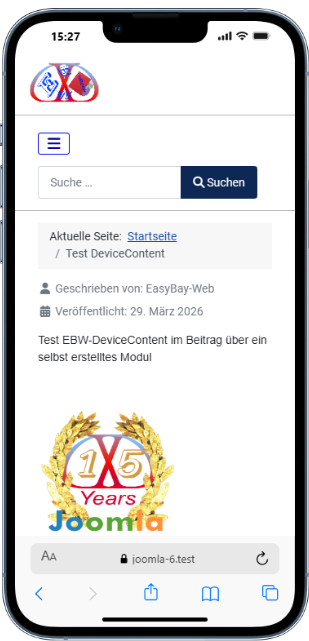
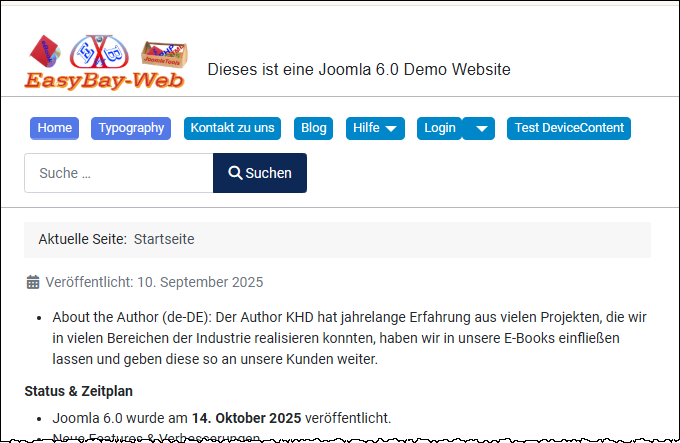
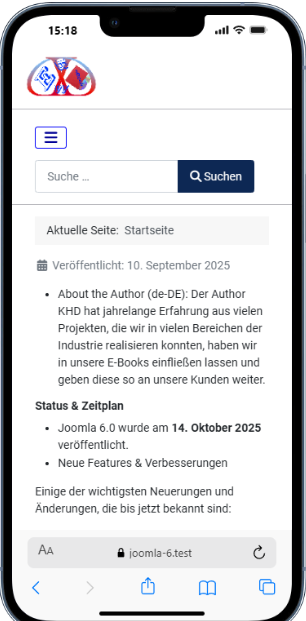
The following screenshots show the configuration and the result for the header output.
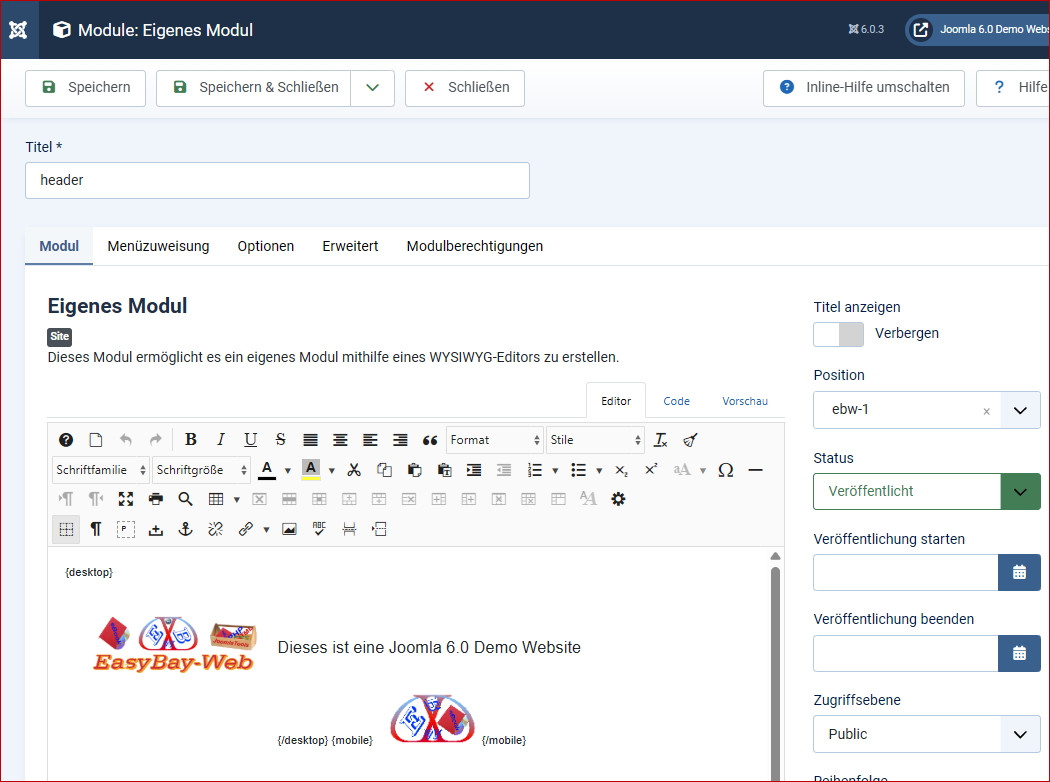
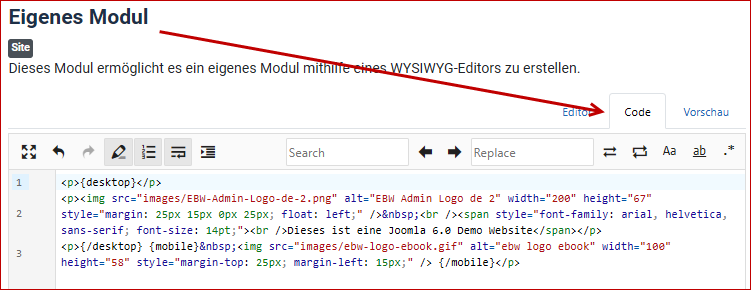
Desktop display
Smartphone ad
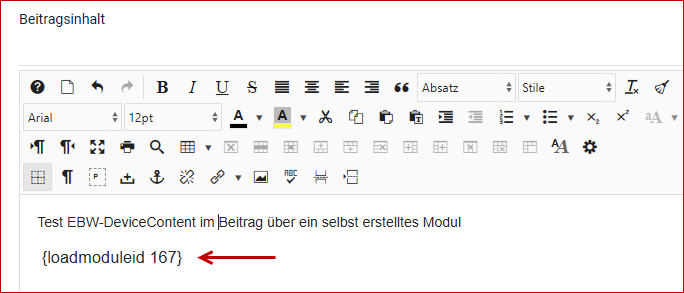
Example of use in the article
The entire process can also be implemented using a separate module within the article.
The corresponding separate module is also available
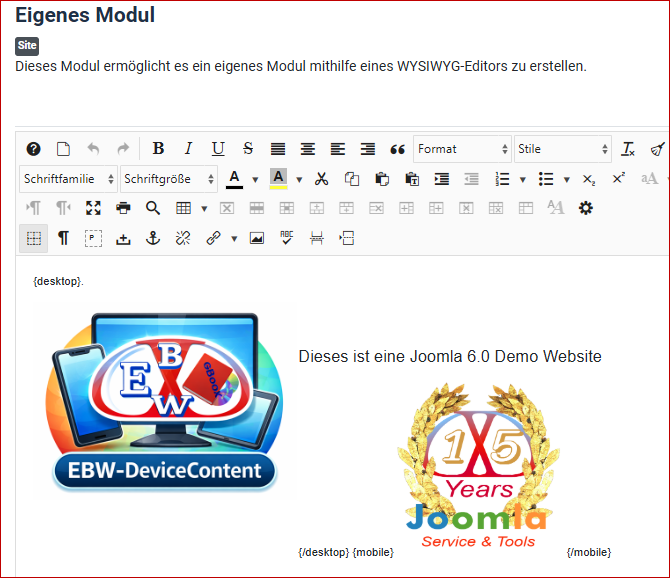
Desktop display
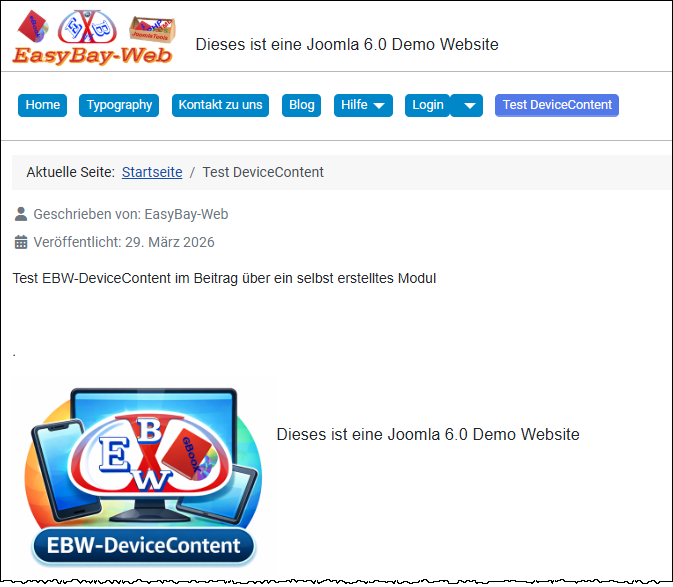
Smartphone ad